When LPN is the right tool
Agencies, LSPs, publishers, and in-house teams use LPN to find a freelance specialist for:
Multilingual DTP and typesetting
InDesign, FrameMaker, QuarkXPress, including RTL (Arabic, Hebrew, Farsi), CJK (Chinese, Japanese, Korean), Indic scripts, and Southeast Asian scripts
Localization engineering
File preparation, XLIFF/SDLXLIFF, TMS setup, software string extraction, i18n consulting
PDF and document accessibility
WCAG, Section 508, PDF/UA, ADA compliance, document remediation
E-learning localization
Articulate Storyline/Rise, Adobe Captivate, Lectora, SCORM packaging
Media localization
Subtitling, captioning, dubbing script adaptation, audio description, transcription
Localization QA
Linguistic review, DTP quality checking, software/app LQA, game LQA, subtitle QC
Production management
Localization project managers, DTP coordinators, vendor managers
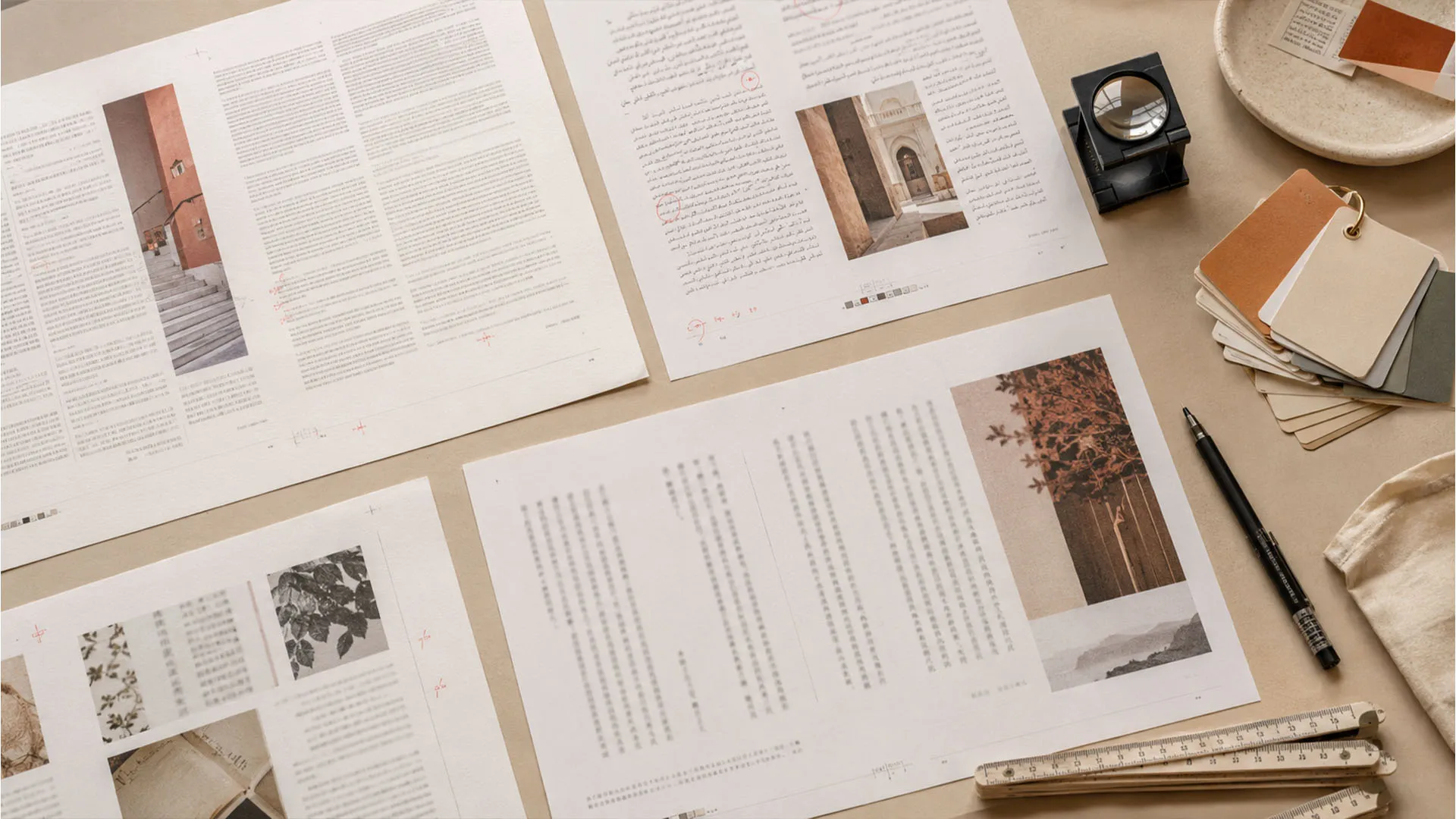
LPN is not a translation marketplace. It is for the specialists who make localized content production-ready: layout, engineering, accessibility, media, QA, terminology, and the production operations around them. Pure translation and interpreting live elsewhere.
What “reviewed” means
Every profile on LPN is manually reviewed before it becomes visible in the directory.
The review checks that:
The review is done by the platform operator, who works in localization production. It is a professional judgment call, not a formal credential verification.
What LPN does not guarantee
LPN does not verify academic credentials, certifications, or tool proficiency beyond what a specialist states on their profile. It does not guarantee the quality of work delivered, response times, availability, or rates. It does not mediate disputes between you and a specialist.
You are responsible for your own vetting before engaging any freelancer: references, test tasks, contracts, whatever your standard practice is. LPN gets you to the right person faster. The rest is between you and them.
How it works
Search the directory, read profiles, contact directly. No intermediary.

Step 1
Search by what you need.
Use the directory filters to narrow by specialization, script or language group, country, and software tools. You can combine filters. For example, “DTP Specialist” plus “RTL (Arabic / Hebrew)” plus “Adobe InDesign” returns only specialists who match all three.
Step 2
Read the profile.
Each profile shows the specialist's specializations, tools, scripts, file formats, compliance standards, languages, and a bio. Some profiles include portfolio links. Check availability status. A green dot means they are open to new clients.
Step 3
Contact directly.
Every approved profile has a contact form. Fill in your name, email, and message. Your message goes straight to the specialist and they reply to you directly. LPN takes no commission and does not sit in the middle of the conversation.
Example searches
A few filter combinations to get you started:
PDF accessibility specialist in Europe
Specialization: Accessibility Specialist, Country filtered to a European country
Arabic RTL InDesign typesetter
Specialization: DTP Specialist, Scripts: RTL (Arabic / Hebrew), Tools: Adobe InDesign
SCORM e-learning localizer
Specialization: E-Learning Specialist, Tools: Articulate Storyline or Adobe Captivate, File formats: SCORM / xAPI
Subtitle QC reviewer
Specialization: QA Specialist, Compliance: Netflix Timed Text Standards
Localization engineer for software strings
Specialization: Localization Engineer, File formats: JSON / PO / RESX
Tip: the example links above pre-select a specialization category. Use the tool and script filters on the directory page to narrow further.
What to include when you reach out
Specialists respond faster when they have enough information to say yes or no.
A useful first message covers:
- File format and software: what files need to be worked on. InDesign package, XLIFF, Storyline file, SRT, and so on.
- Language pairs: source language and target languages. For DTP and engineering work, note the script if it is non-Latin.
- Volume: page count, word count, file count, or duration, whatever is relevant to the work type.
- Deadline: a hard deadline if there is one, or an indication of urgency.
- Deliverable: what you expect to receive back and in what format.
- Recurring or one-off: whether this is a single project or ongoing work.
You do not need to include your budget in the first message, but being open about rate expectations early saves time for both sides.